Map Commander – Watch Navigation
Start Google Maps navigation from your Huawei Watch GT and see turns on your wrist.
Map Commander is in testing and not yet available in the stores.
Map Commander connects your Huawei Watch GT 7 Pro (and compatible Huawei GT watches) with your Android phone.
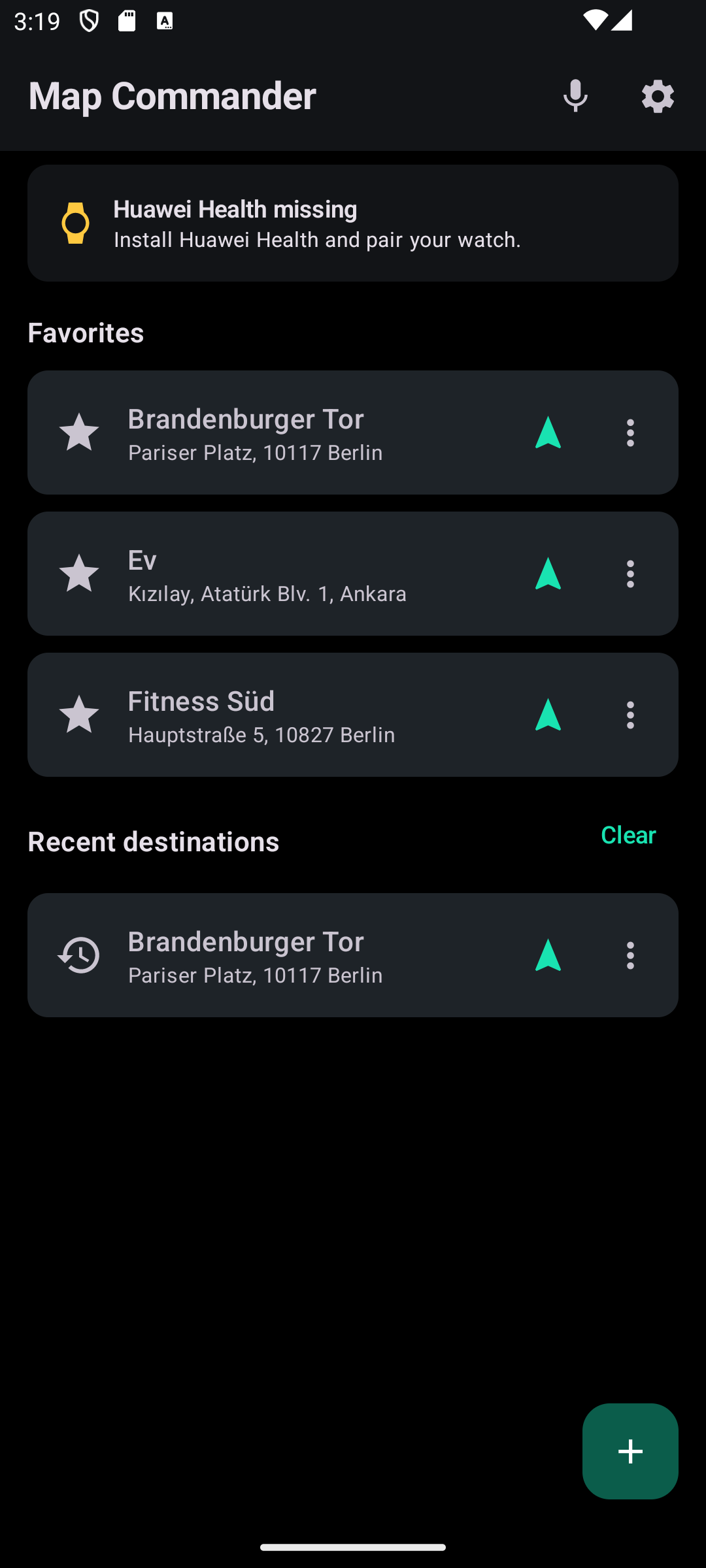
- One-tap navigation from the watch: pick Home, Work or any favorite and Google Maps opens on your phone.
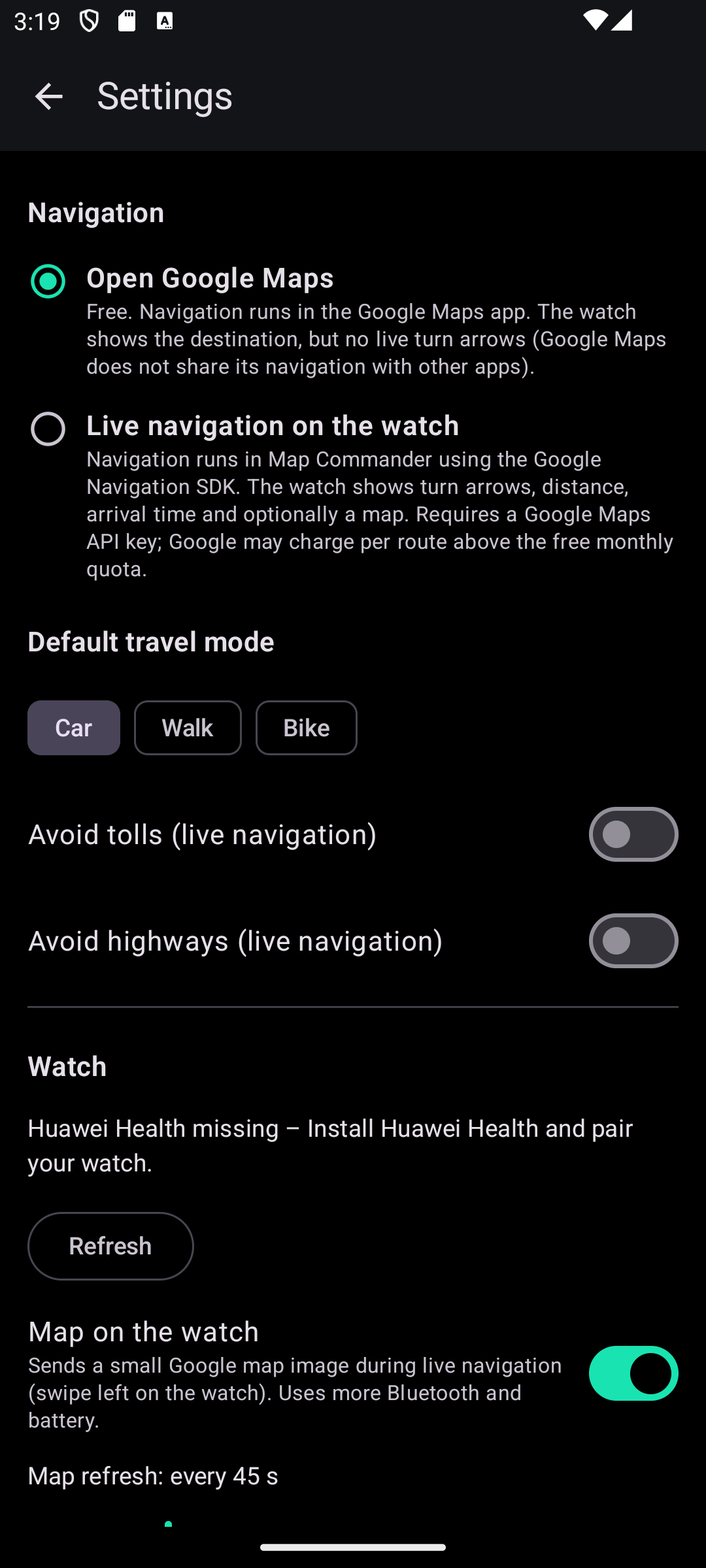
- Live turn-by-turn on the watch*: big arrow, distance to the next turn, time left and arrival time, with a vibration before each turn.
- Optional Google map on the watch*.
- Quick commands: nearest gas station, pharmacy, parking, EV charger.
- Voice commands (phone microphone): "Go home", "Find the nearest pharmacy", "Stop navigation".
- Add places from the share menu (addresses or Google Maps links).
- English, Turkish, German.
- Privacy: no account, no tracking, your places stay on your phone.
Free: opening Google Maps from the watch, favorites, quick commands, voice – unlimited.
Map Commander Pro (subscription, Google Play): live turn-by-turn and map on the watch, 100 live navigations per month (fair use).
Requirements: Huawei Health app and a paired Huawei GT watch; the watch app is installed from AppGallery inside Huawei Health. Non-Huawei phones also need HMS Core.
* Live directions and the watch map work in "Live navigation" mode (Google Navigation SDK). The Google Maps app does not share its navigation with other apps, so "Open Google Maps" mode cannot show live arrows on the watch. The watch microphone is not available to third-party apps, so speech is recognised on the phone.
Map Commander is an independent app and is not affiliated with Google, Huawei or Apple. Google Maps is a trademark of Google LLC.
On iPhone, Map Commander is a phone app (favorites, search, Google Maps, voice). Huawei does not allow third-party watch apps on the Watch GT 7 Pro when it is paired with an iPhone.
Screenshots